Using ChatGPT to Create Mood-boards for Photography Sets

Updated: Oct 20, 2025
In glamour photography, preparation is as essential as the final click of the shutter. While lighting, styling, and location all play crucial roles, the creative process often begins with a mood-board—a curated set of visuals, colours, and ideas that serve as a compass for the shoot. Traditionally, mood-boards were assembled manually by collecting magazine clippings or browsing stock images. Today, tools like ChatGPT combined with AI-powered image generation make it possible to create custom, highly specific mood-boards in minutes.
Why Use ChatGPT for Mood-boards?
1. Concept Development
ChatGPT can help you refine a vague idea into a coherent theme. For instance, if you start with “luxurious evening glamour,” ChatGPT can expand it into more precise concepts: deep jewel tones, satin dresses, candlelit interiors, or soft cinematic lighting.
2. Prompt Crafting for AI Images
If you use generative tools (e.g., DALL·E, MidJourney, or Stable Diffusion), ChatGPT can draft highly detailed prompts that produce consistent and useful images. Instead of writing “woman in glamorous dress”, ChatGPT can produce:
“A high-fashion glamour portrait of a woman in a flowing emerald satin gown, photographed under cinematic soft light with a vintage mirror in the background, mood inspired by Old Hollywood.”
3. Efficiency
A process that once took hours of browsing Pinterest can now be condensed into a few minutes, giving you more time to focus on the execution of the set.
Building a Mood-board Step by Step
1. Define the Theme – Decide on the core atmosphere: sensual elegance, retro Hollywood, futuristic chic, or natural sunlit intimacy.
2. Ask ChatGPT for Visual Cues – Request suggestions for color palettes, wardrobe, locations, poses, and lighting setups.
3. Generate AI Images – Use prompts refined by ChatGPT to create concept visuals.
4. Assemble and Refine – Collect the generated images along with reference photos, ensuring they harmonize in tone and style.
Example Mood-boards
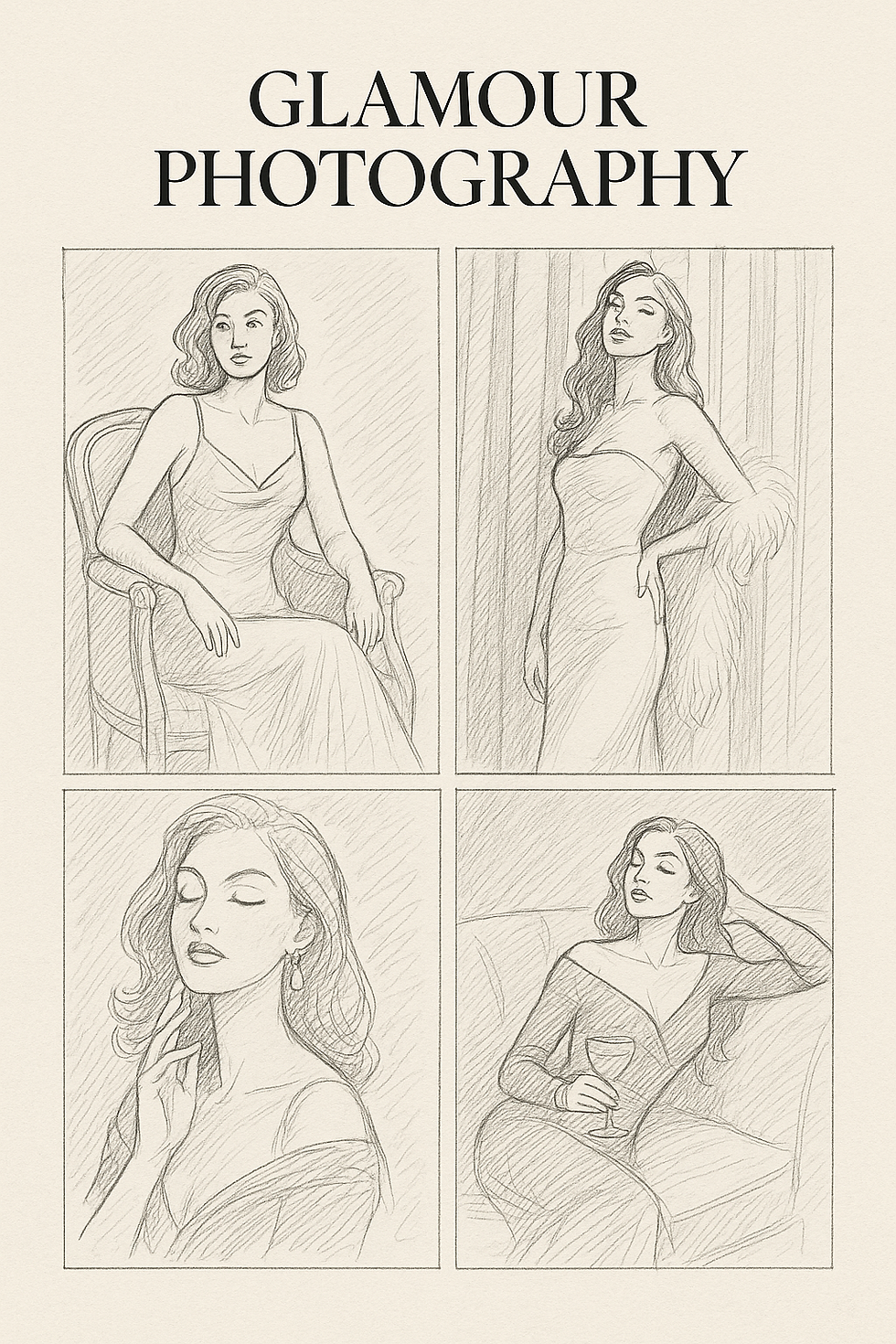
Here are three sample glamour mood-boards created with AI prompts suggested by ChatGPT.
1. Old Hollywood Glamour
• Theme: Vintage elegance, satin gowns.

• Colours: Black, gold, deep red.
• Props: Velvet armchair, crystal glass, feathered accessories.
• Lighting: Strong key light with shadows, cinematic chiaroscuro.
2. Sunlit Sensuality
• Theme: Natural daylight glamour with soft fabrics.
• Colours: Cream, pastel pink, light beige.
• Props: Sheer curtains, minimal décor, natural flowers.
• Lighting: Diffused window light, glowing skin tones.
3. Futuristic Glamour
• Theme: High-shine, modern, metallic vibes.
• Colours: Silver, neon blue, chrome.
• Props: Mirrors, latex outfits, geometric backgrounds.
• Lighting: LED strips, neon glows, reflective highlights.

😃👍